Does it work with my broker / data feed?
Any supported NinjaTrader 8 connection - Rithmic, CQG, Continuum, Tradovate, Interactive Brokers, Kinetick and the rest. It reads NinjaTrader's own account data, not the feed directly, so if NinjaTrader can trade it, TickSensei works with it.
Do I need a prop firm to use this?
No. It works the same on your own cash or brokerage account - pick "cash" and set your own daily dollar or percent limit, and Fudoshin enforces it, tilt-proof, with no firm involved. The firm rulesets are there if you trade an eval or funded account, not a requirement.
How do I install it? Does NinjaTrader have to stay open?
It's a standard NT8 add-on import - run the code-signed setup, reopen NinjaTrader, paste your key (about five minutes). NinjaTrader has to be running for the live tools to protect you, and the guard auto-starts with it. After an NT platform update you approve NinjaTrader's own "trust this add-on" prompt once.
Can I run it on a VPS?
Yes. It runs as a background add-on inside NinjaTrader and auto-starts with it, so on a VPS it's protecting you whenever NinjaTrader is running - and it comes back on its own after a restart.
What exactly happens when I hit my limit?
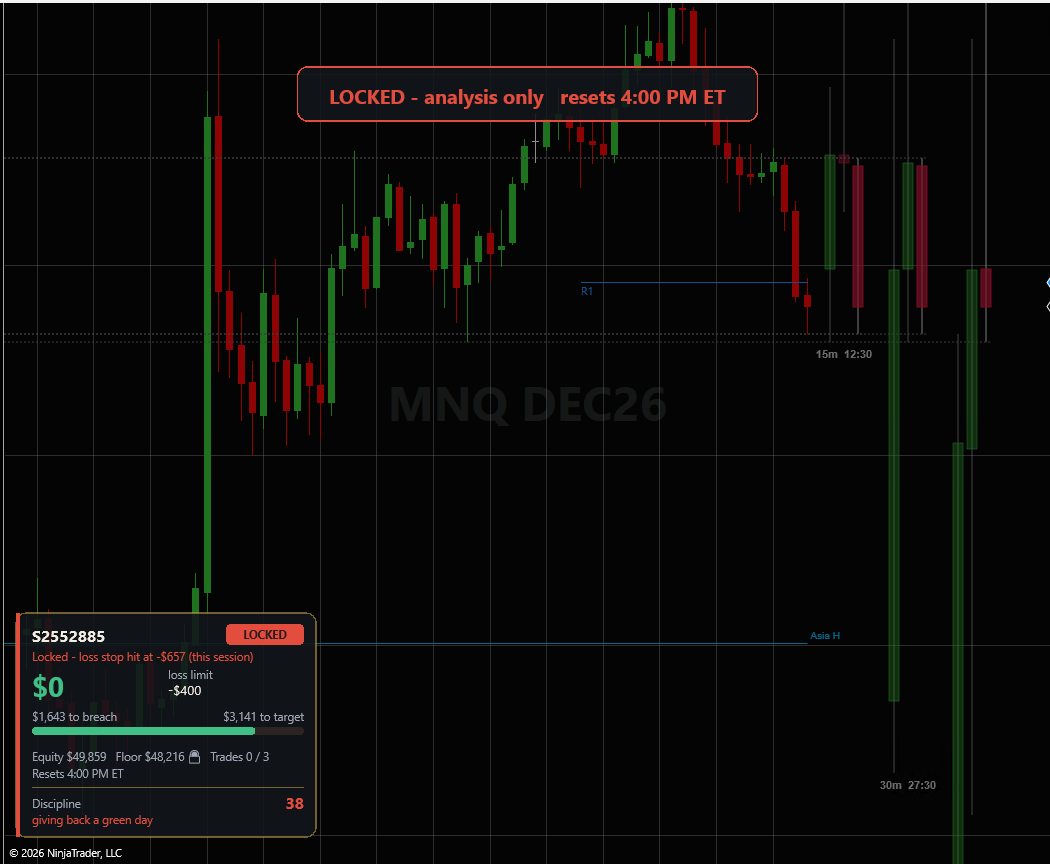
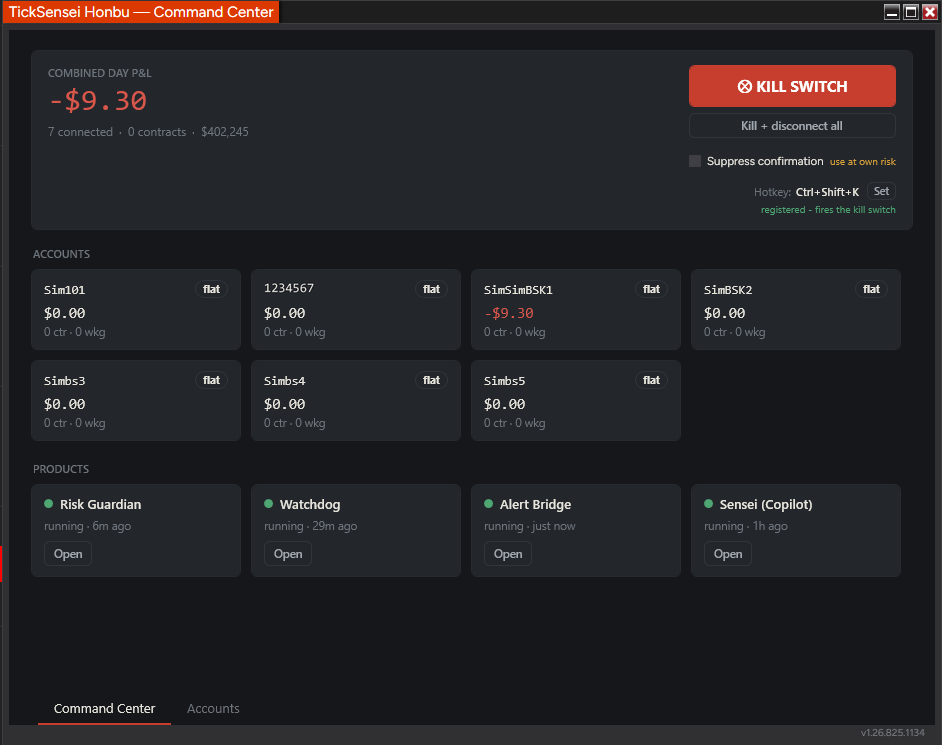
Warn, then the action you chose (notify, or cancel-first flatten + lockout), a lockout that clears at the 5pm ET reset and survives restarts, and tilt-proof's 4-hour delayed disable. Only a profit/loss limit flattens you (and locks out new trades); over-trade-count, over-contract-cap, or an order placed while locked are just intercepted, leaving open positions and exits alone. (See "How it works" above.)
What's free vs paid - and if my card lapses mid-session?
Souji (maintenance) and the local Hansei journal are free; the five NT8 add-ons are paid. Licensing has a 24-hour grace period, so a billing blip won't drop your protection mid-session - manual Flatten All always works, and an active lockout is never released early by a license problem.
What leaves my machine?
By default, nothing about your trading - the add-ons run locally and your data stays on your machine. Hosted Sensei and Hansei Cloud are opt-in and encrypted (only derived aggregates go to the AI, never raw trades; your own AI key stays encrypted on your machine).
How do I cancel? Refund? Auto-renew?
Paid plans renew automatically; the terms are shown at checkout, and you can cancel anytime from the Dojo billing portal (access runs to the end of the period). The 7-trading-day trial takes no card and simply stops. If it doesn't work as described and we can't fix it, email within 14 days of a charge.
What is the discipline score?
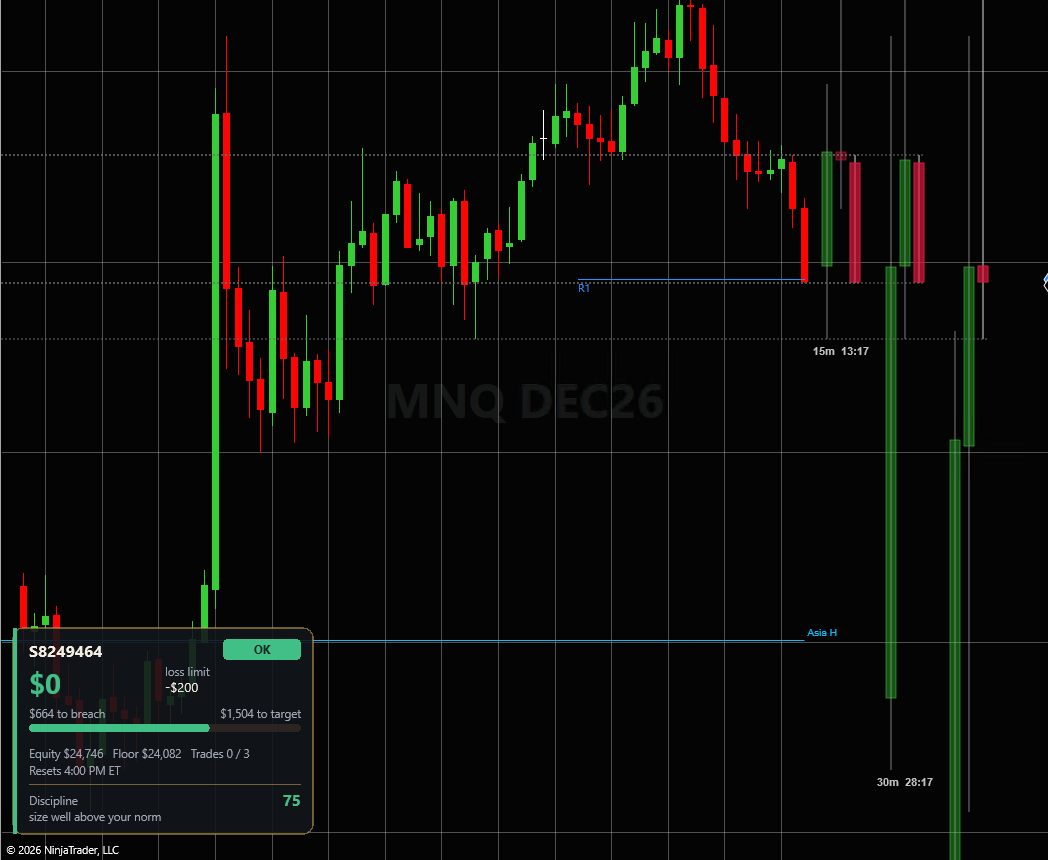
A live 0-100 behavioral score (Calm / Caution / Tilt) computed locally from your own trade register - loss streak, revenge re-entries, moved or missing stops, size and pace vs your own prior-day baseline - shown right on the chart.
Will the tools fight my strategy or each other?
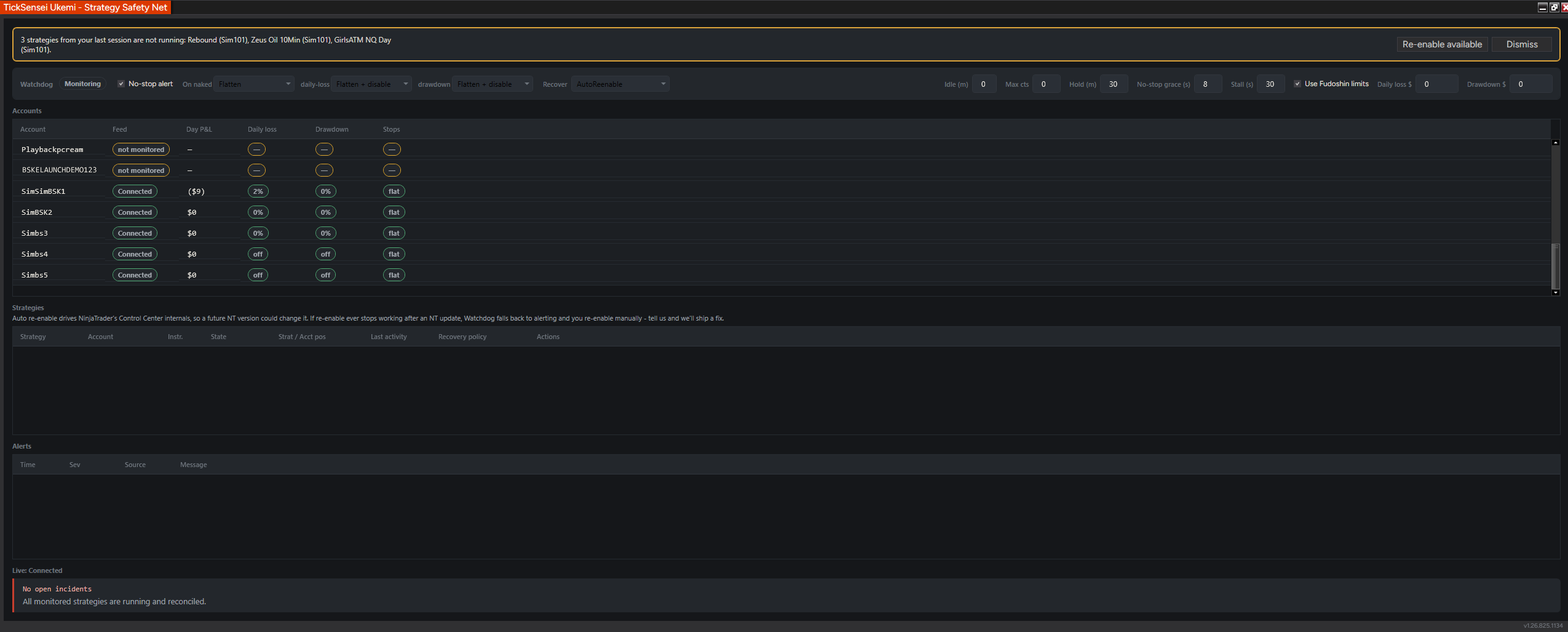
No - the order intercept only blocks new exposure (or any new entry while locked); it never blocks an exit, a reducing order, or a protective bracket child, so it won't race your strategy's exits. A blocked entry is cancelled the instant it's submitted - never a pre-trade veto in your latency path - and if one rests before the cancel lands, the breach action flattens it. Ukemi only ever touches strategies and accounts you explicitly set to Protect.
Where can I see what each tool did?
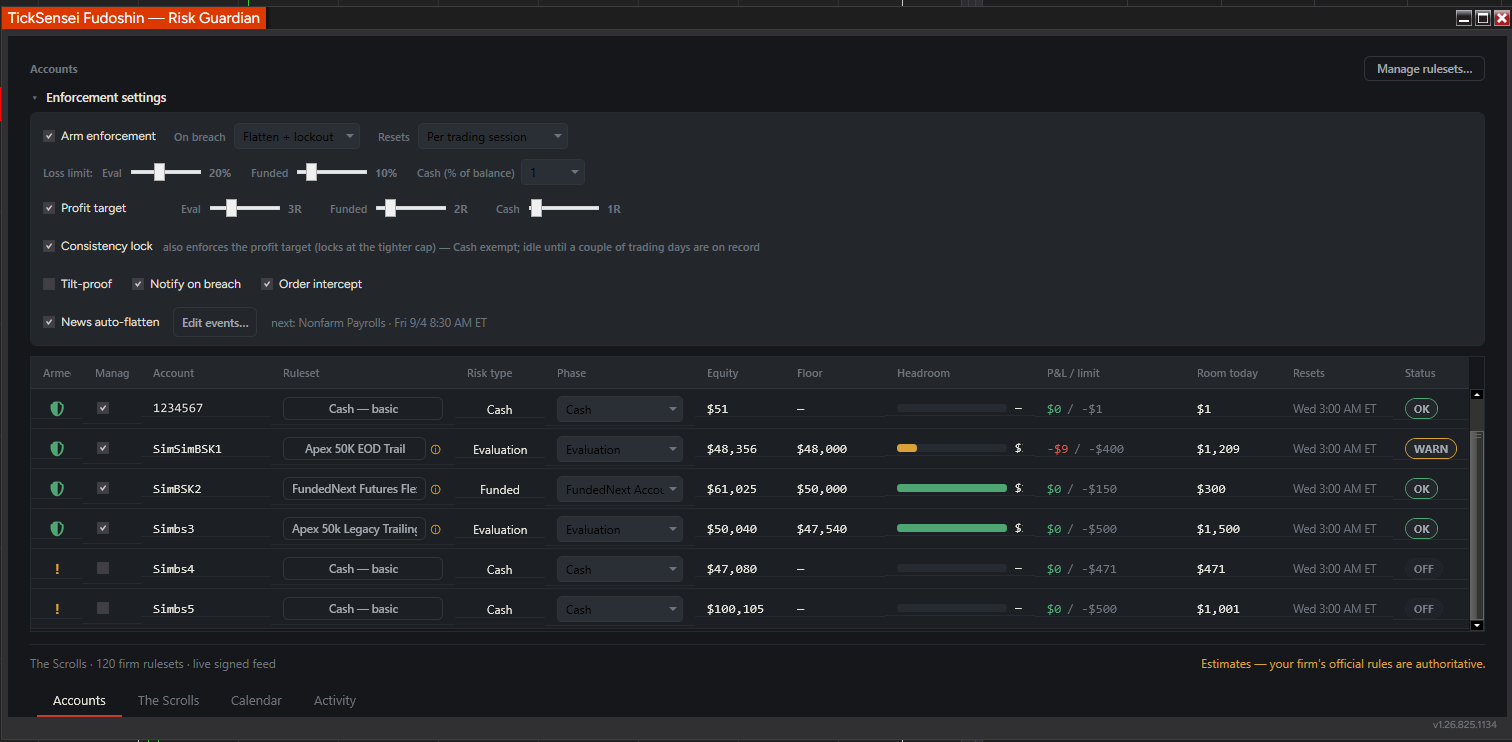
Fudoshin's Activity tab records every warn, flatten, lock and unlock it performs - newest-first and persisted to disk (events.json) - and "Send logs to support" packages the full logs in one click for a post-mortem or a ticket.
Do the tools share data, or is each one guessing?
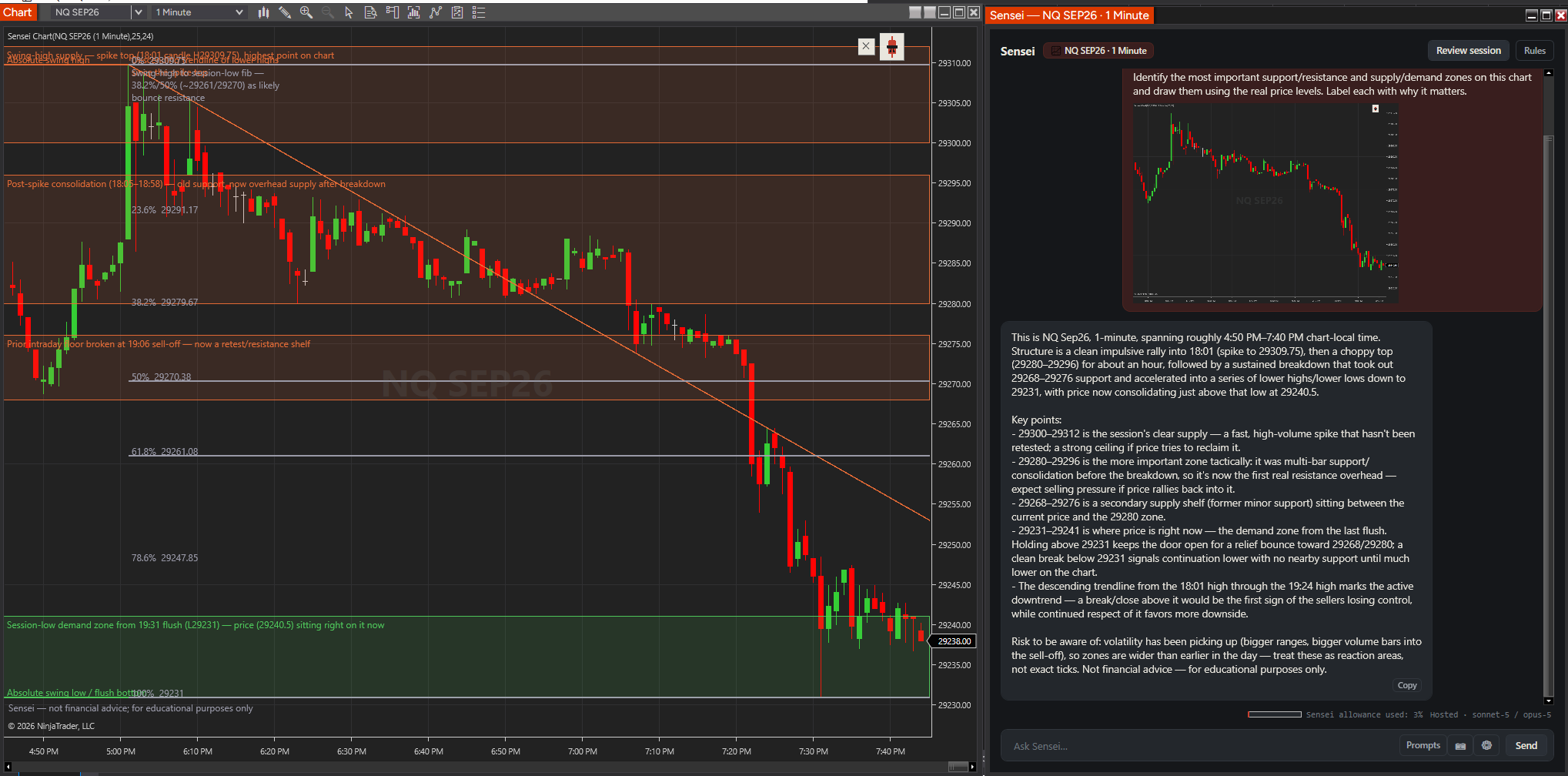
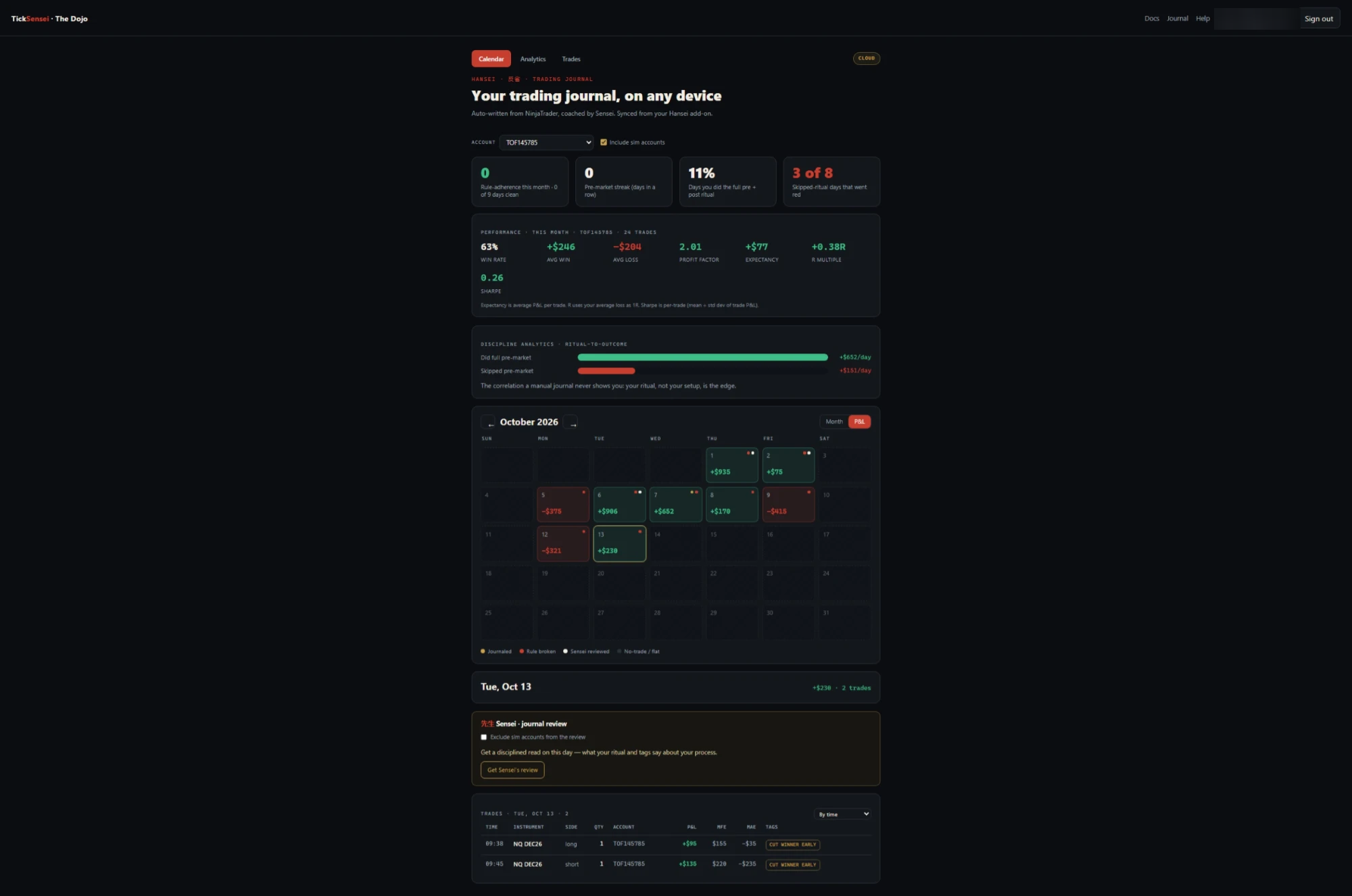
They share one record. Every tool reads a single, tick-precise trade register - your fills and MAE/MFE computed from historical ticks - so the discipline score, the journal, and Sensei's session review all work off the same accurate data, not separate estimates. It's also why Sensei isn't "just a chatbot": it reviews a real, structured record of what you actually did.
Can't I just close NinjaTrader to dodge a lockout?
No. The lockout and the tilt-proof disable countdown are written to disk, so closing - or even force-killing - NinjaTrader doesn't clear them. Your settings and state are restored exactly where they were the instant it reopens, and the 4-hour delay keeps counting rather than resetting. And since the account only trades through NinjaTrader, there's nowhere to trade while it's closed - so closing it gets you nothing.
What if NinjaTrader or my VPS crashes - does anything warn me?
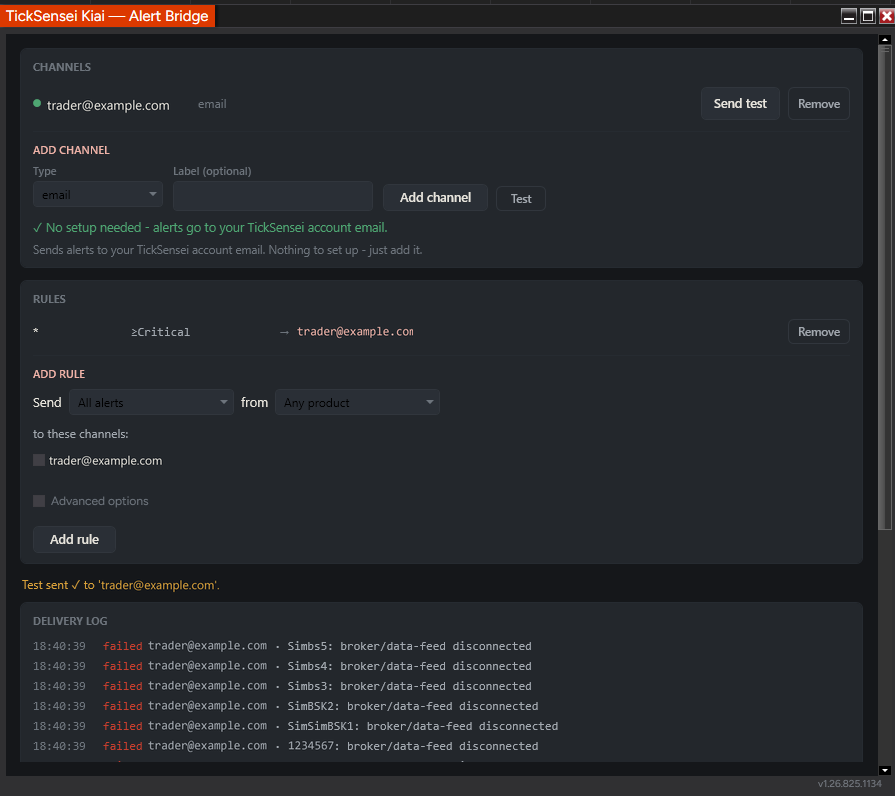
Any broker-side stops you've placed keep protecting open positions, and your lockout + trailing-drawdown state is restored the instant NinjaTrader restarts. The honest gap: Kiai's alerts run inside NinjaTrader, so if NinjaTrader itself dies it can't be the thing that tells you. An out-of-process cloud heartbeat that watches from outside NinjaTrader - Enzan - is in development to close exactly that.
Why TickSensei vs NinjaTrader's built-in lockout?
NinjaTrader's built-in lockout stops new trades and you can wait it out; it can close your position, but only manually or at a fixed dollar loss/profit amount you set. Ours is tilt-proof - the disable is a 4-hour delay a restart can't dodge - and it tracks each firm's trailing-drawdown rules (not just a flat dollar number), with cancel-first flatten, a behavioral discipline score, journaling, and cross-account coverage - one NT8-native system.